Widgetik
Widgets for iPhone, iPad and Android

Beautiful widgets for your Home Screen

Log water, check off habits and tasks, start a focus session or feed your aquarium fish right from the widget, without opening the app. Then make every widget your own.

Download on the App Store Get it on Google Play
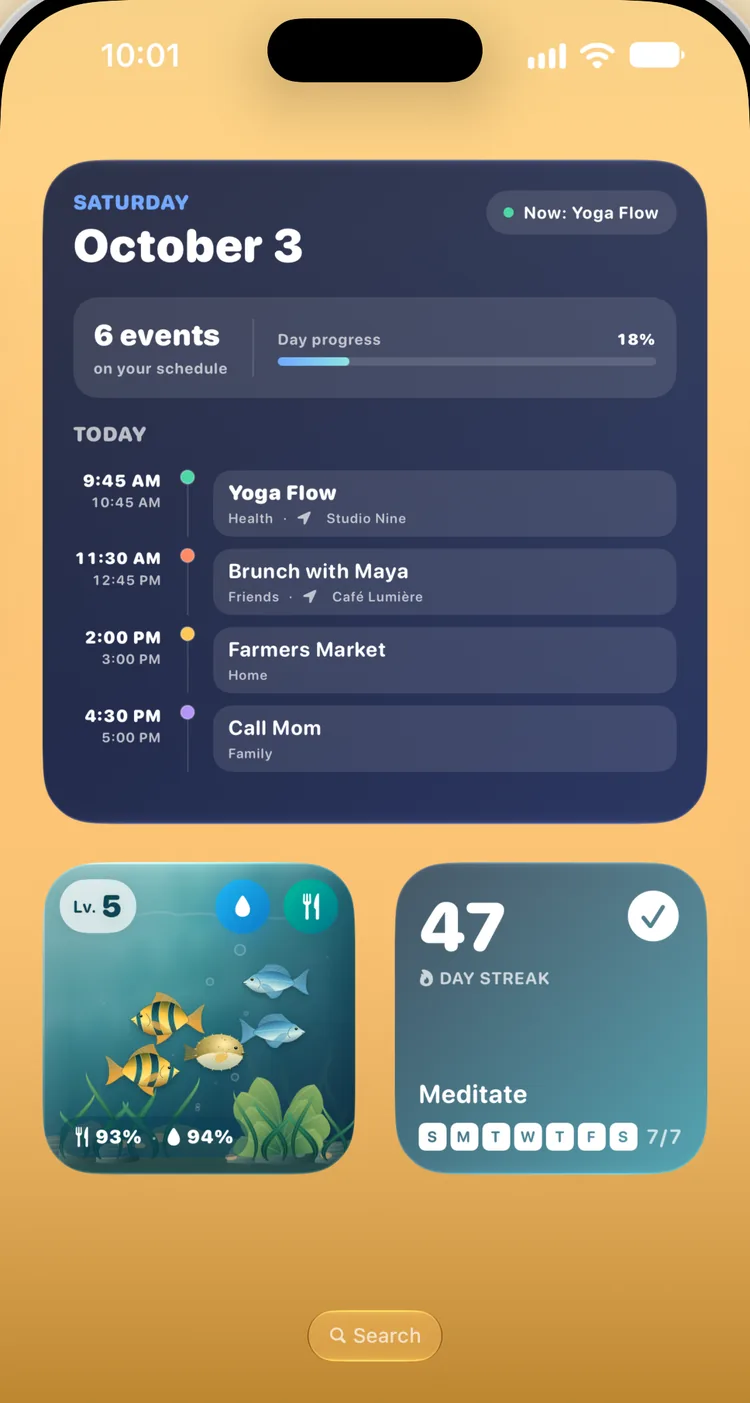
An iPhone Home Screen with Widgetik's Agenda, Aquarium and Habit Streak widgets
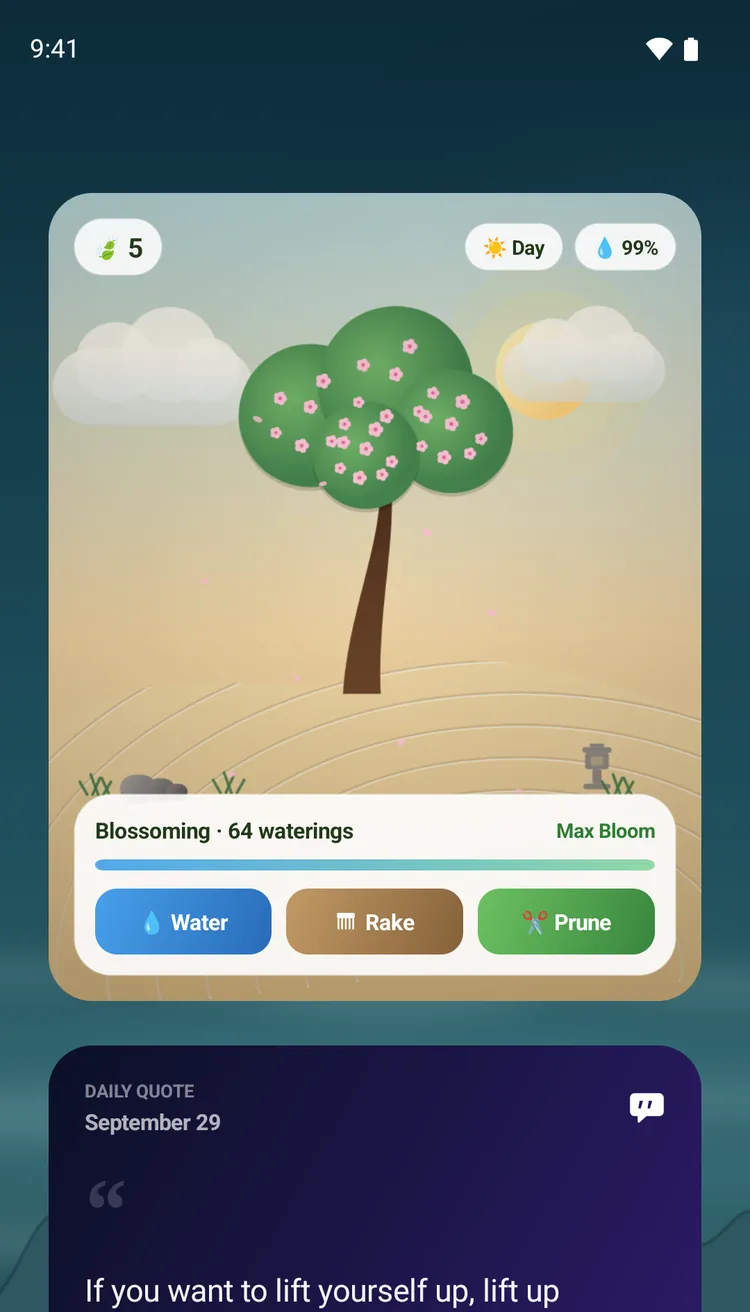
An Android Home Screen with Widgetik's Zen Garden and Daily Quote widgets

At a glance. One tap away.

Widgetik's widgets don't just show you things. Tap them to log, tick off and start, right on your Home Screen.

Screenshots from
Interactive

Just tap.
No app needed.

Log a glass of water, check off a habit or start a focus session right on the widget. Try these.

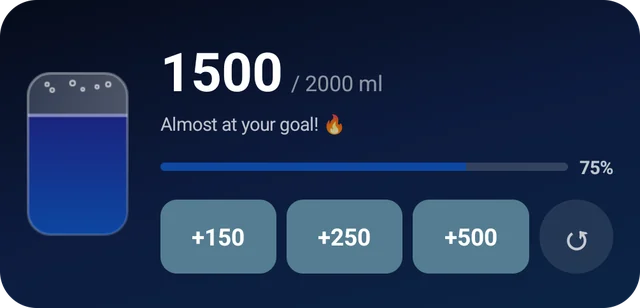
  • Hydration: log water in one tap, with your own quick-add amounts in mL, fl oz or cups.
  • Mindfulness: add mindful minutes toward a daily goal.
  • Checklist: tick off tasks, routines and groceries on your Home Screen.
  • Focus Timer Premium start, pause and reset focus sessions.
  • Control Center: log water, check off a habit or start a focus session from controls.
  • Quick Settings: tiles to log water and start a focus session.

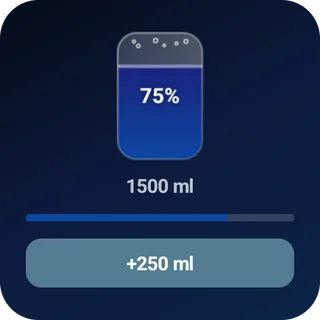
1500 / 2000 ml

Almost at your goal! 🔥

75%

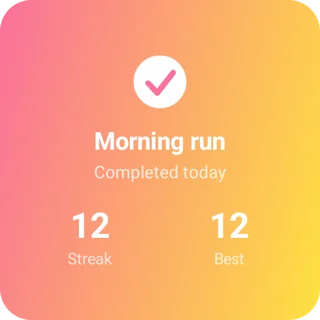
Morning run

Tap to check in

12Streak
12Best
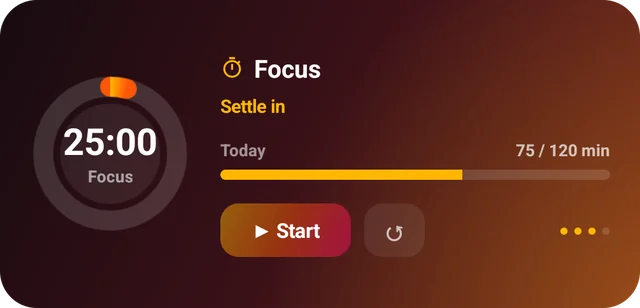
25:00Focus

Settle in

These work. Go ahead, tap them.

Plan your day

Your day,
at a glance

See what's on now, how long until your next event, and the days ahead.

  • Agenda Premium today's events from your calendar, what's next and your free time.
  • Event Countdown: trips, exams and big moments, counted down in days.
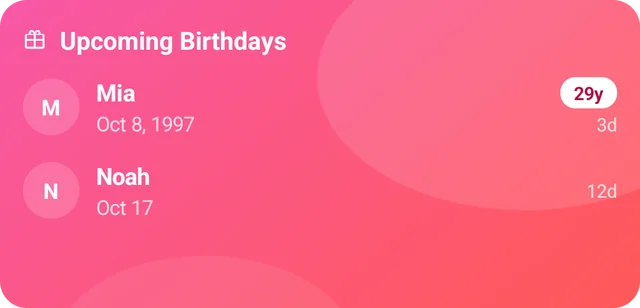
  • Upcoming Birthdays Premium ages and days to go, lunar birthdays included.
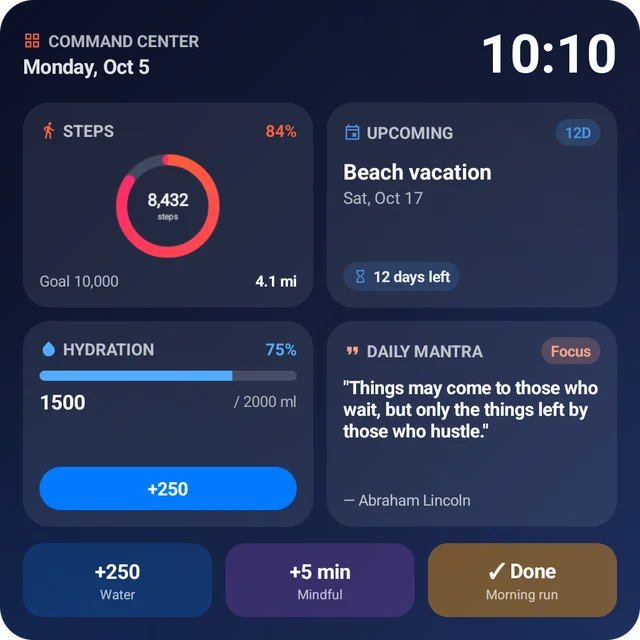
  • Daily Dashboard: time, your next countdown, steps, water and mindfulness in one widget.
  • Month Calendar, Week Strip and World Clock for the month, the week and the cities you care about.
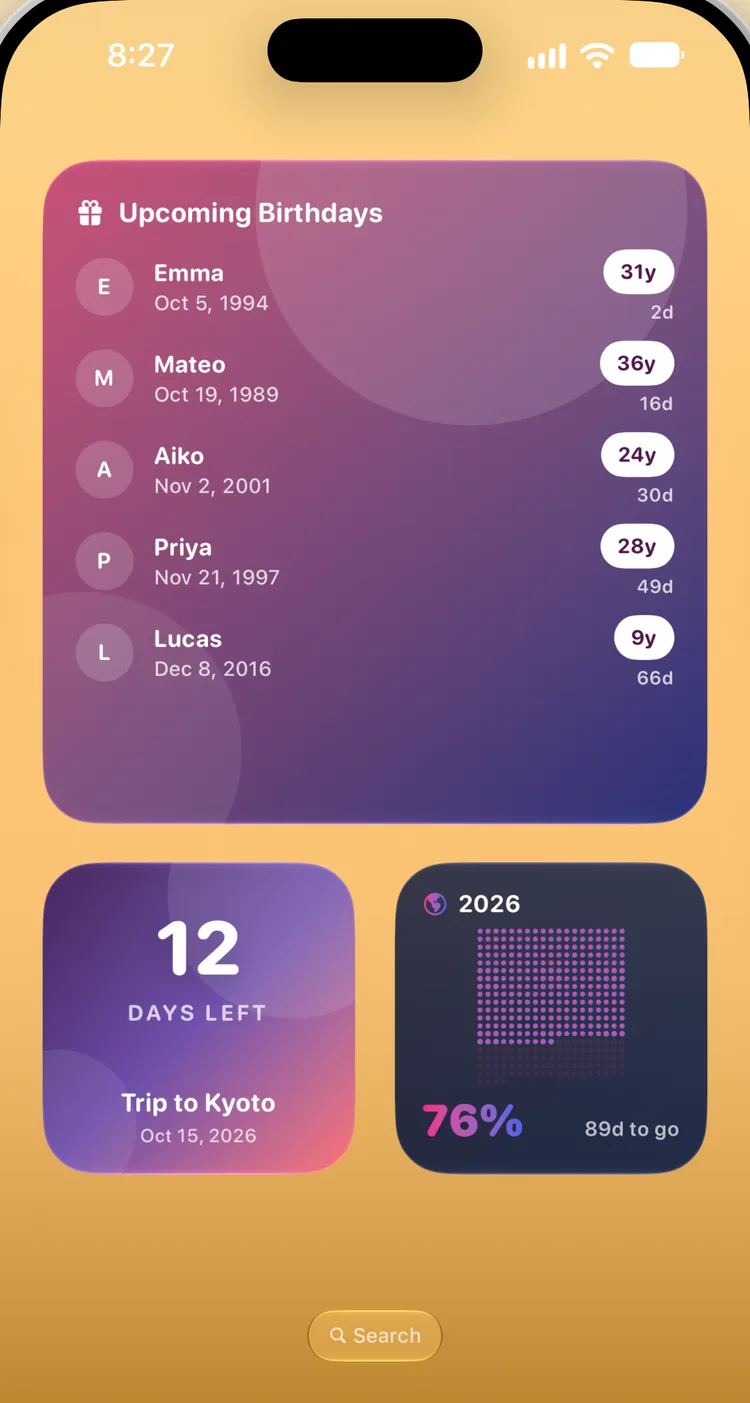
Upcoming Birthdays, a trip countdown and the year in dots on an iPhone Home Screen
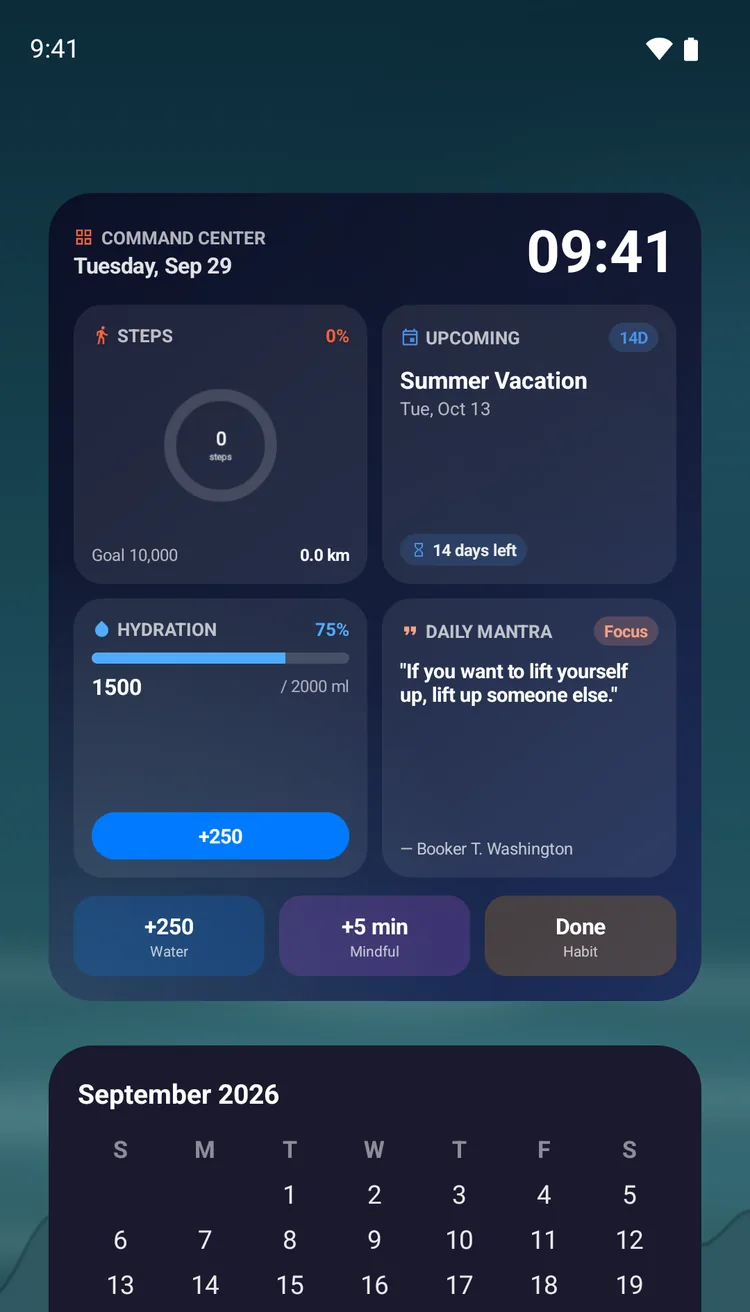
The Daily Dashboard and Month Calendar widgets on an Android Home Screen
Habits & health

Streaks
that stick

Check off habits with a tap, count reps and keep the streak going.

  • Habit Tracker: tick off daily habits and keep your current and best streaks.
  • Habit Streak: your current streak and this week at a glance.
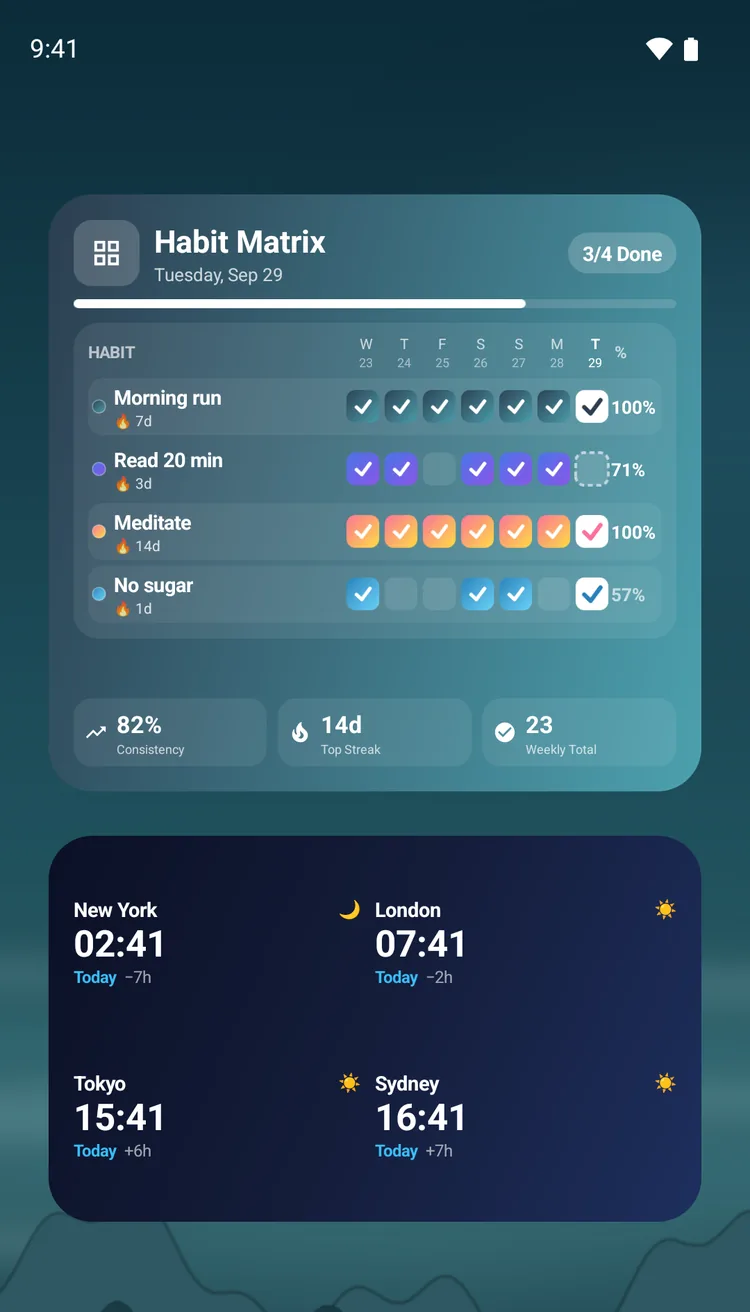
  • Habit Matrix: a week of up to five habits in one widget.
  • Habit Counter Premium sets, reps, pages or glasses, one tap at a time.
  • Step Counter: your daily steps from Apple HealthHealth Connect.
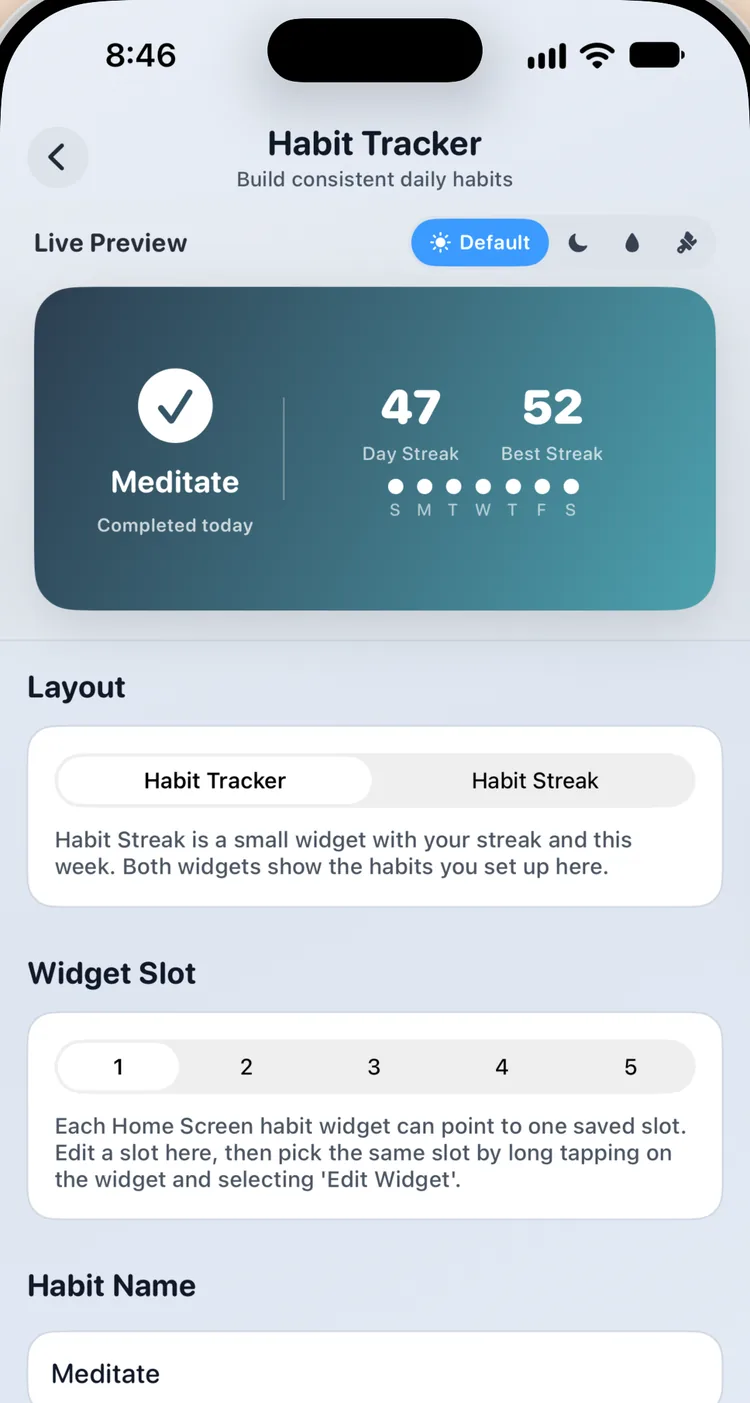
Setting up a Meditate habit in Widgetik on iPhone, with a 47-day streak in the live preview
The Habit Matrix and World Clock widgets on an Android Home Screen
Just for fun

Your aquarium,
alive

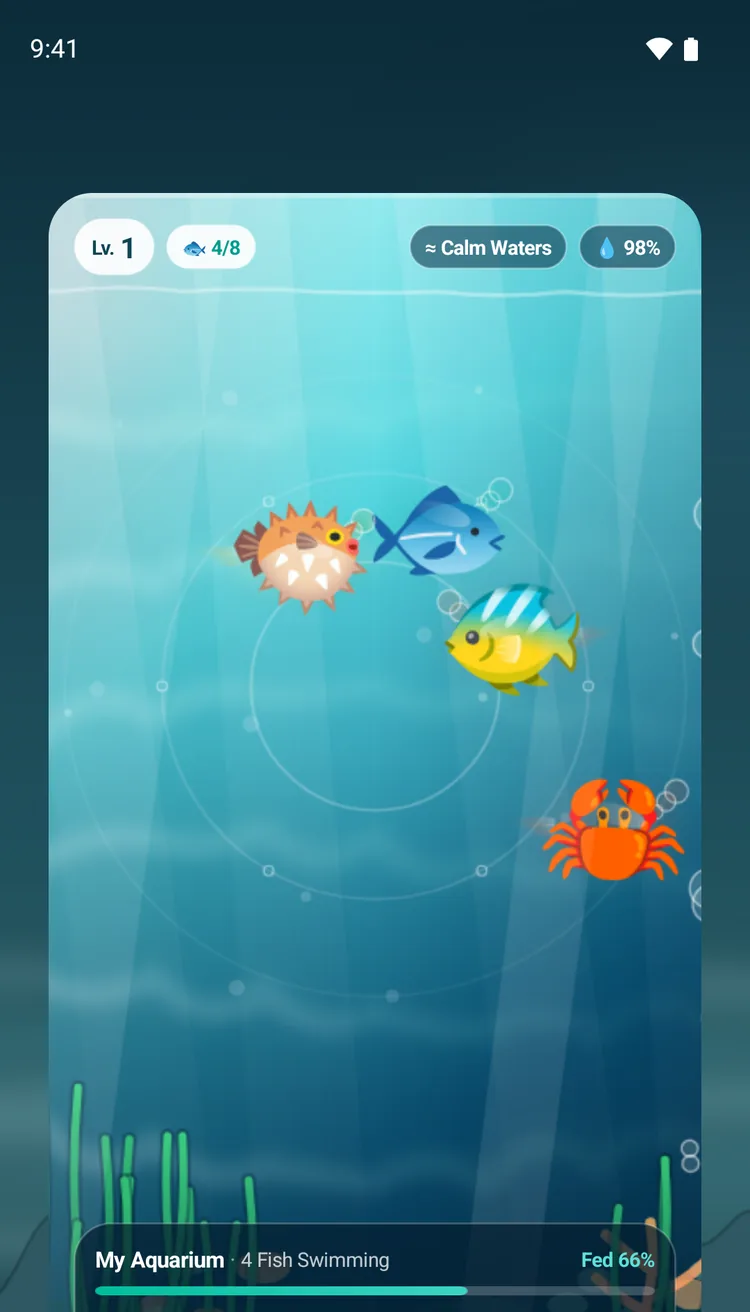
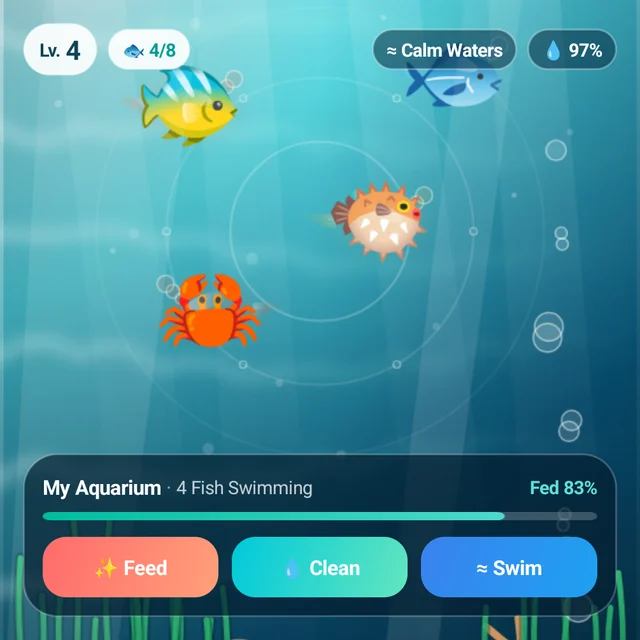
Tap to feed your fish, clean the tank and watch them swim.

  • Aquarium: a small tank of fish to feed and keep clean.
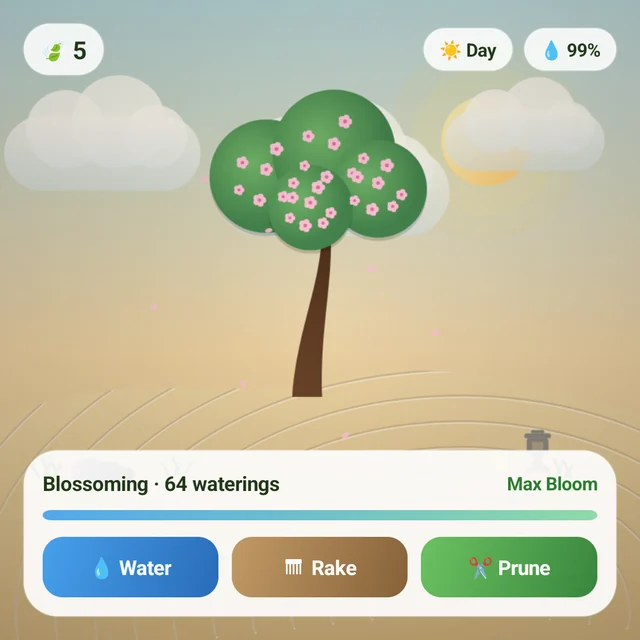
  • Zen Garden Premium water your bonsai, rake the sand and watch it blossom.
  • Moon Phase, Daily Quote, Daily Inspiration, Photo and Battery for everything else.
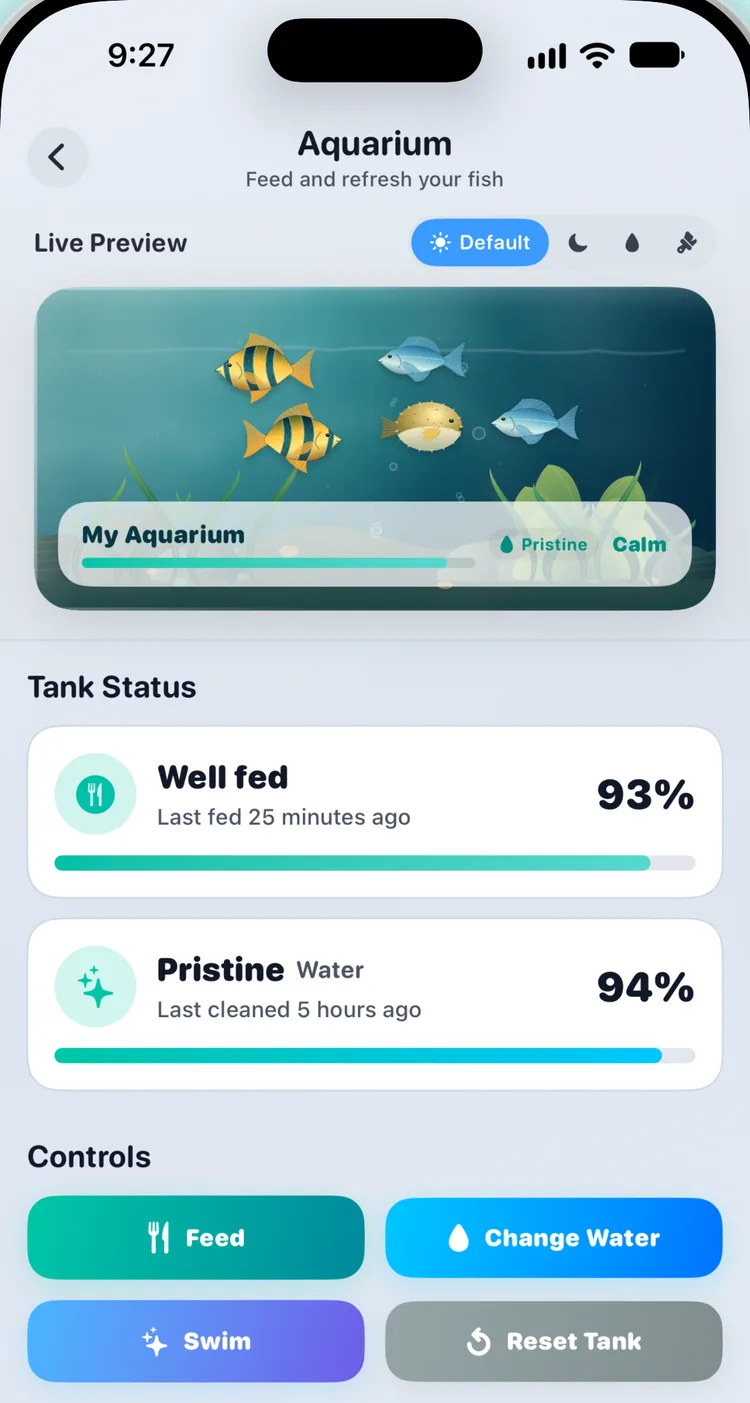
The Aquarium in Widgetik on iPhone, with fish, tank status and Feed and Change Water buttons
The Aquarium widget on an Android Home Screen, with Feed, Clean and Swim buttons
Make it yours

Make every
widget yours

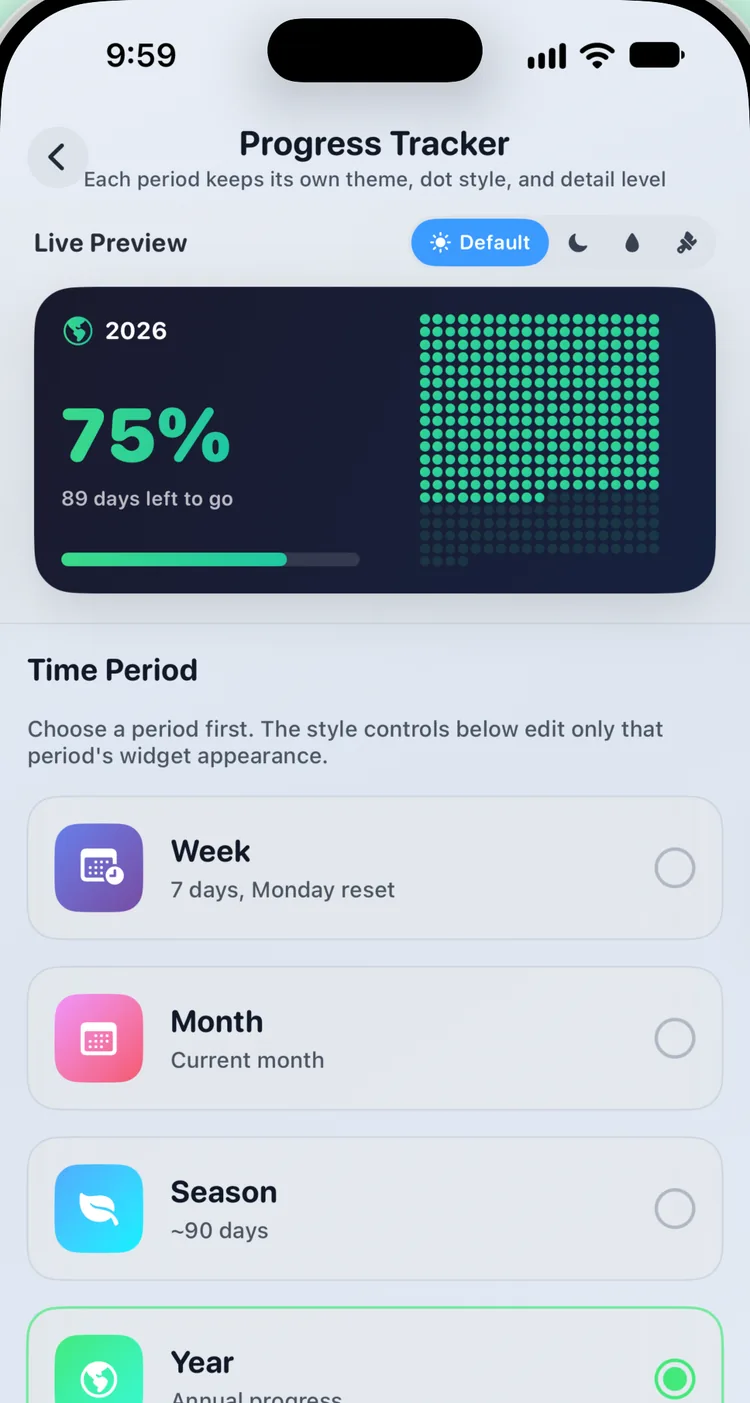
Choose solid colors or gradients, themes, fonts and text colors, and see every change in a live preview.

  • Themes, solid colors and gradients for every widget.
  • Small, medium and large sizes, plus Extra Large on iPad.
  • Resize freely: many widgets have their own small, medium, large and tall designs.
  • Transparent Backgrounds Premium Agenda, Daily Quote and Battery blend into your wallpaper.
  • Extra fonts and custom text colors with Premium.
  • Text colors to match your wallpaper, and extra fonts with Premium.
Styling the Progress Tracker widget in Widgetik on iPhone
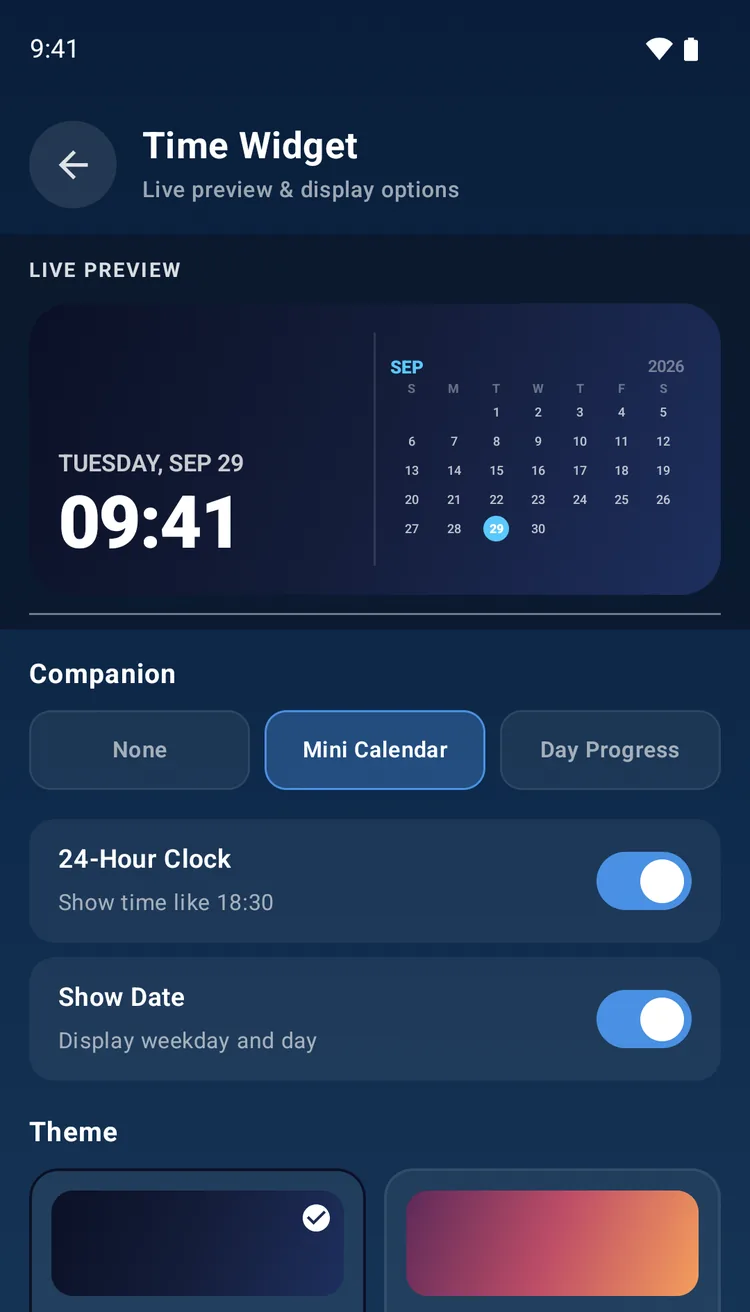
Choosing a theme for the Time widget in Widgetik on Android

25+ widgets, one app

Clocks, calendars, habits, wellness and a little fun, all designed to look good together.

Steps, the next event, water, a daily mantra and quick buttons in one widget
Daily Dashboard
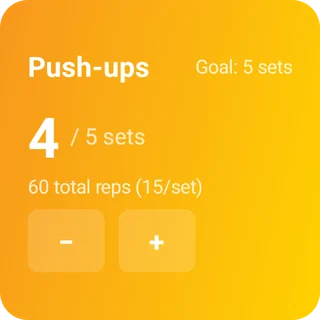
4 of 5 sets of push-ups, with minus and plus buttons
Habit Counter
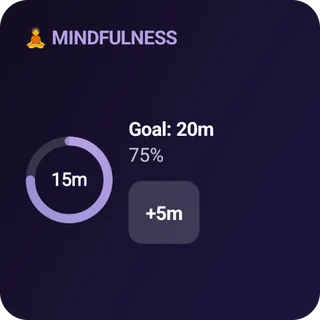
15 of 20 mindful minutes and a +5 minute button
Mindfulness
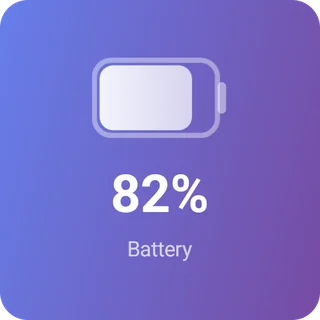
Battery at 82 percent
Battery
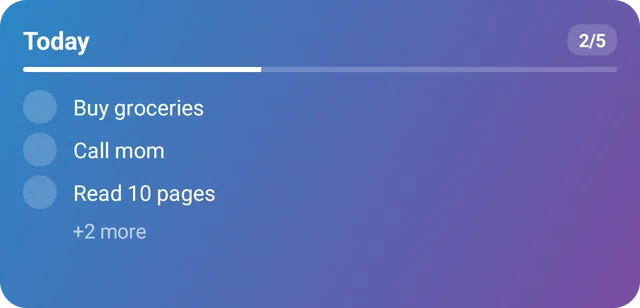
Today's tasks, two of five done
Checklist
A blossoming bonsai with Water, Rake and Prune buttons
Zen Garden
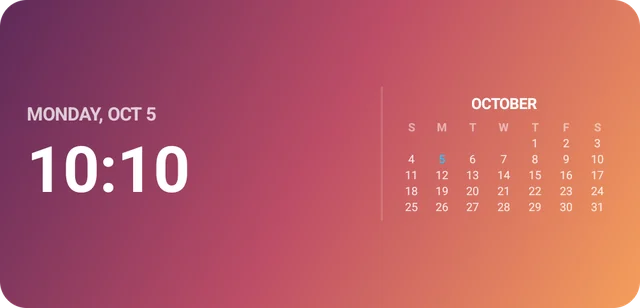
The time and date beside a mini month calendar
Digital Watch
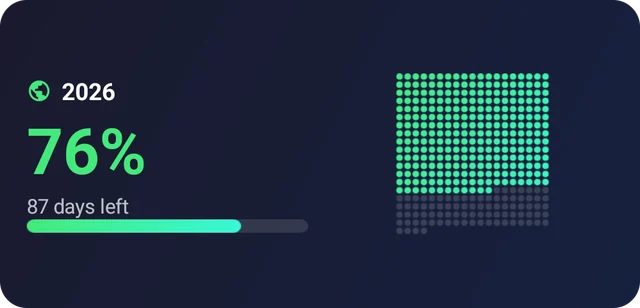
2026 is 76 percent done, shown as a grid of dots
Progress Tracker
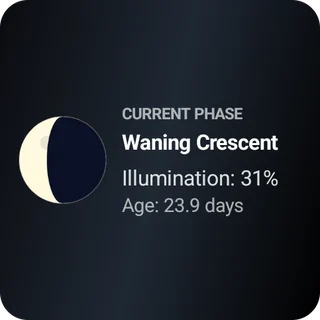
A waning crescent moon at 31 percent illumination
Moon Phase
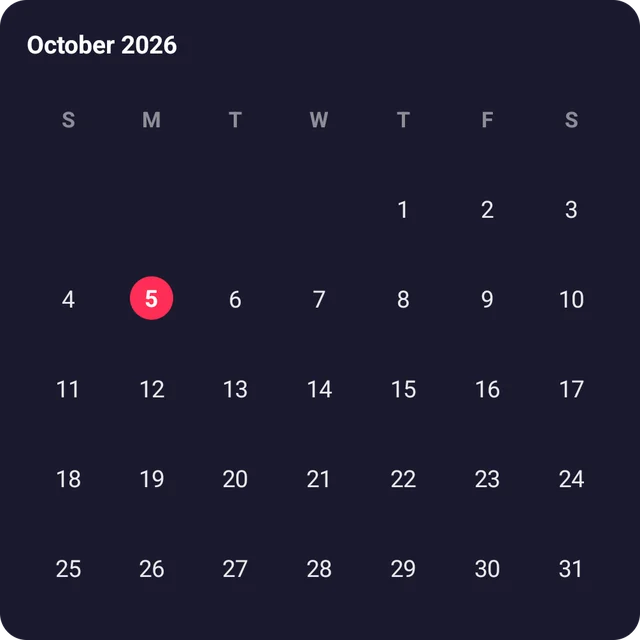
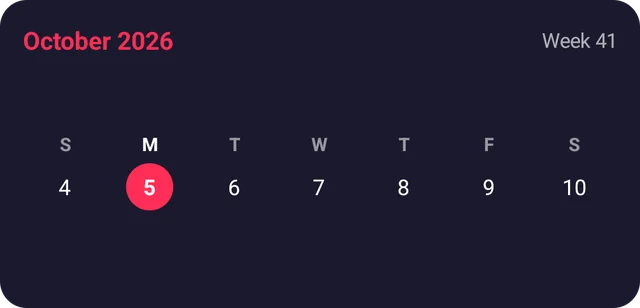
The month of October with today highlighted
Month Calendar
Two upcoming birthdays with ages and days to go
Upcoming Birthdays
1,500 of 2,000 ml of water, with quick-add buttons
Hydration
Four fish swimming in a tank, with Feed, Clean and Swim buttons
Aquarium
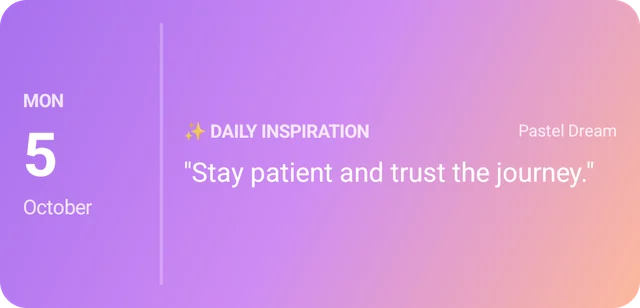
Today's date and an inspiring line
Daily Inspiration
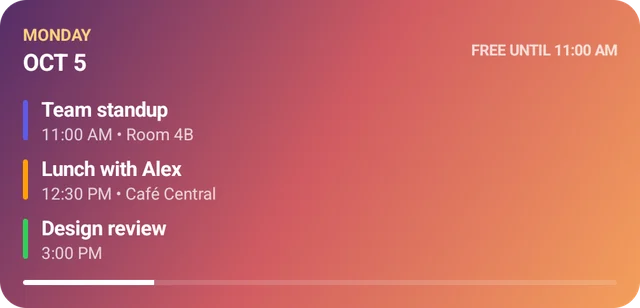
Today's events and free time until 11 AM
Agenda
A 25-minute focus session ready to start
Focus Timer
This week, with today marked
Week Strip
Morning run done today, a 12-day streak
Habit Tracker
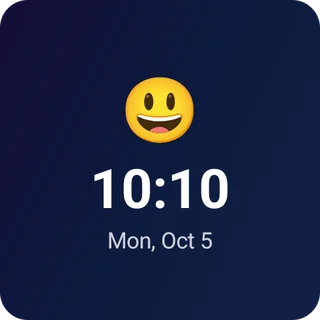
A smiling emoji above the time
Emoji Clock
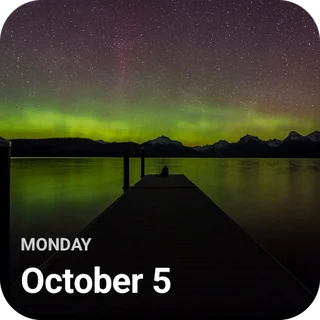
A photo of the northern lights with the date
Photo
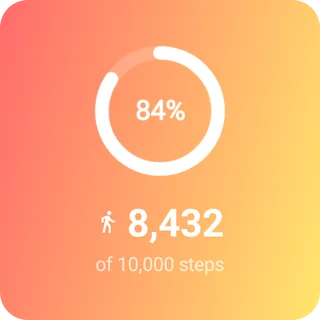
8,432 of 10,000 steps
Step Counter
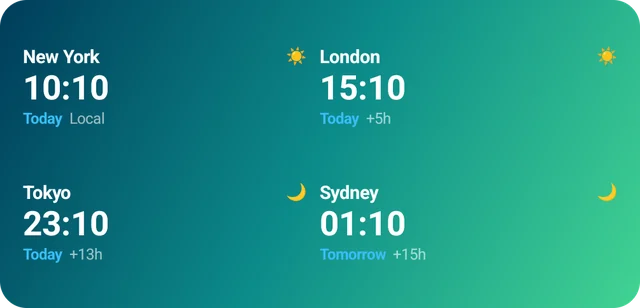
The time in New York, London, Tokyo and Sydney
World Clock
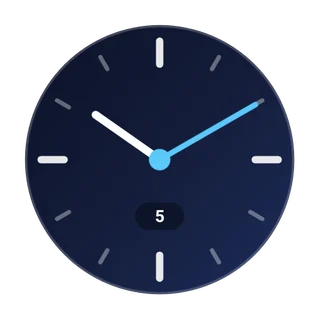
An analog clock face
Analog Watch
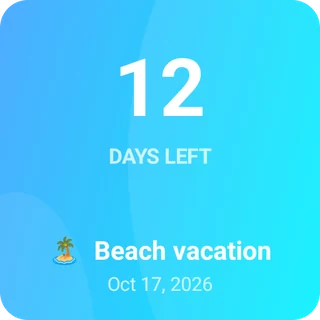
12 days left until a beach vacation
Event Countdown
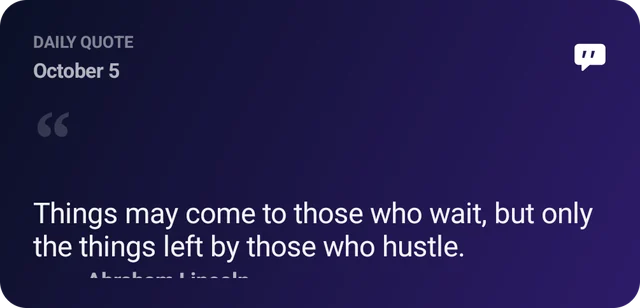
Today's quote
Daily Quote

Premium widgets unlock with a one-time purchase.

Made for iPhone, iPad and Android

The same widgets everywhere, plus extras that make the most of each platform.

iPad

Big widgets for a big screen

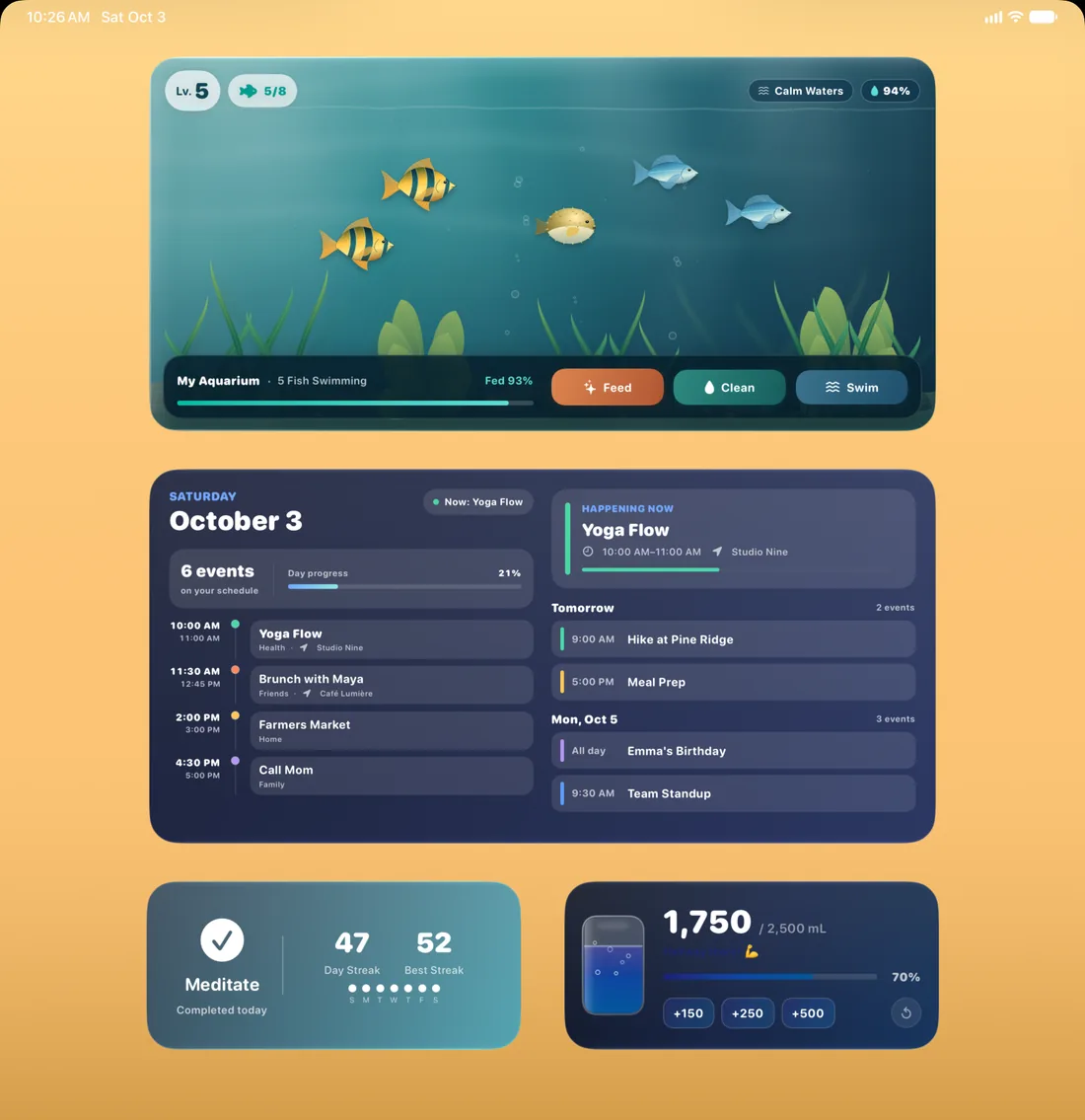
Agenda, Aquarium and Daily Dashboard also come in Extra Large, a size made for iPad.

An iPad Home Screen with Extra Large Aquarium and Agenda widgets
Widgetik's App Store icon

iPhone & iPad

iOS 18 or iPadOS 18 or later

  • Lock Screen widgets for the date, calendar, progress, steps, water, battery and world time
  • Control Center controls to log water, check off a habit or start a focus session
  • Extra Large widgets on iPad
  • Steps from Apple Health, and the water you log saved there if you turn it on
  • Snap a photo of a list to turn it into checklist tasks
Download on the App Store
Widgetik's Google Play icon

Android

Android 9 or later

  • Resizable widgets, many with their own small, medium, large and tall designs
  • Quick Settings tiles to log water and start a focus session
  • Steps from Health Connect, and the water you log saved there if you allow it
  • World Clock with up to six cities, and lunar birthdays
  • Calendars that start the week on your locale's first day
Get it on Google Play

Your data stays with you

Your habits, health data, calendar and photos stay on your device. There's no account and no Widgetik server.

  • No account No sign-up and no email. Open the app and add a widget.
  • Health data stays private Steps and water go through Apple Health or Health Connect, only with your permission. They're never used for ads.
  • Calendar and photos Events are read only to show them in your widgets, and Photo uses only the pictures you choose.
  • Ads only in the free version The free version shows ads from Google AdMob. Premium removes them.

Free to start. Pay once.

Widgetik is free to download and includes ads. Premium is a one-time purchase, not a subscription.

Free

No purchase needed, with ads

  • Clocks, calendars, countdowns and World Clock
  • Habit Tracker, Hydration, Mindfulness and Step Counter
  • Checklist, Progress Tracker and Daily Dashboard
  • Aquarium, Photo, Moon Phase, quotes and Battery
  • Themes, solid colors and gradients

Questions, answered

Is Widgetik free?

Yes. Widgetik is free to download and includes ads. Premium is an optional one-time purchase that removes ads and unlocks Agenda, Upcoming Birthdays, Habit Counter, Focus Timer, Zen Garden and extra fonts.

Which devices does it work on?

iPhone and iPad with iOS 18 or iPadOS 18 or later, and Android phones and tablets with Android 9 or later.

How do I add a widget?

On iPhone and iPad, touch and hold an empty spot on your Home Screen, tap Edit, then Add Widget, and search for Widgetik. On Android, touch and hold an empty spot on your Home Screen, tap Widgets, find Widgetik and drag a widget into place. More help on the Support page.

Do I need an account?

No. There's no sign-up. Your widgets and their data are stored on your device.

If I buy Premium on iPhone, do I get it on Android too?

No. Purchases go through the App Store or Google Play and stay on that platform. Within a platform, Premium follows your Apple Account or Google account to your other devices.

Which languages does Widgetik speak?

English, Chinese, Dutch, French, German, Italian, Japanese, Korean, Polish, Portuguese, Russian, Spanish and Ukrainian, and on iPhone and iPad also Arabic, Hindi and Vietnamese.

Widgetik
Beautiful, interactive widgets for iPhone, iPad and Android.

Download on the App Store Get it on Google Play

Questions? Visit Support →